



 Written by Royalppv
Cable bills usually creep up the same way rent does – quietly, then all at once. If you are looking up how to watch live TV, there is a good chance you want the same channels, sports, news, and local coverage without paying a premium every month for hardware rentals, contract terms, and limited flexibility.
The good news is that live TV is no longer tied to a cable box. You can watch it through internet-based services, dedicated live TV apps, smart TV platforms, or even a simple antenna depending on what you actually need.
The right option comes down to your budget, the channels you care about, how many devices you use, and whether you want a basic setup or an all-in-one replacement for cable.
For most households in Canada and the USA, there are four practical answers to how to watch live TV. You can use a traditional cable replacement app, install an IPTV service, stream through free ad-supported live channels, or connect an antenna for local broadcasts. Each route works, but they are not equal.
Cable replacement apps are the easiest to recognize because they look familiar. They package live channels into monthly plans and usually work on smart TVs, Firestick, phones, and tablets. The trade-off is price. Once you add sports, premium content, or multiple users, the monthly cost can end up looking a lot like the cable bill you were trying to escape.
When you compare options for how to watch live TV, IPTV services are a different category. They deliver live channels over the internet and are built for viewers who want more choice, more international access, and better value.
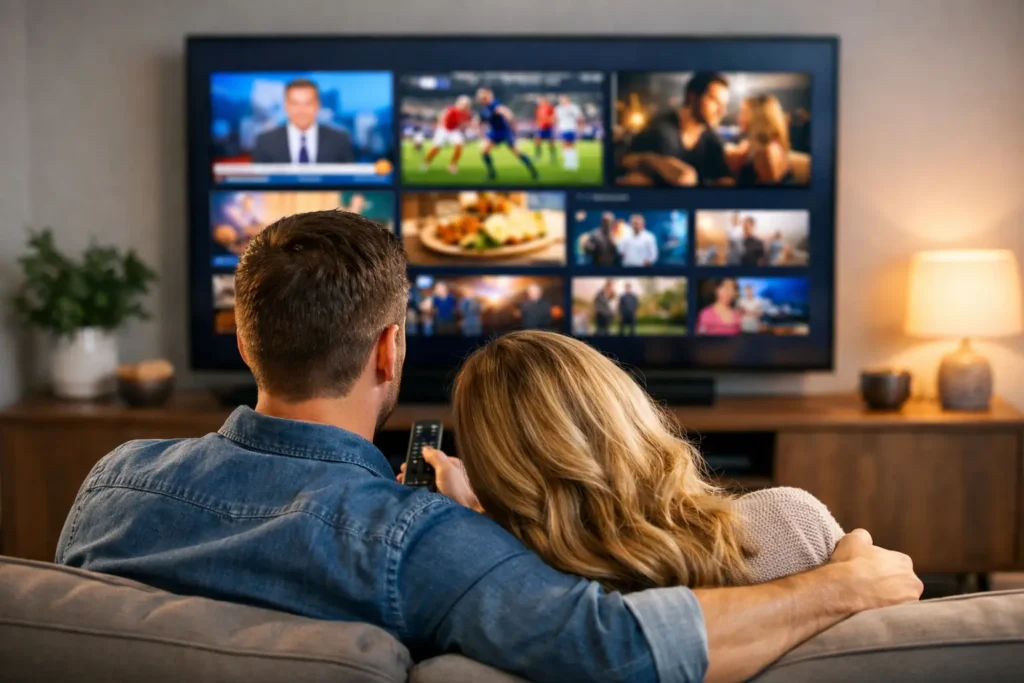
A strong IPTV service can combine live television, movies, series, sports, and PPV into one subscription. That matters if you are tired of paying separately for live TV, sports add-ons, and several on-demand platforms.
Free live TV apps and smart TV channel hubs are useful, but they are usually best as a bonus rather than a full replacement. They often include news clips, niche channels, reruns, and some live entertainment, but not always the major networks or premium sports people actually want.
An antenna can still make sense if your main priority is local over-the-air channels. That said, it depends heavily on your location, signal strength, and home setup. In some areas, it works well. In others, reception is inconsistent, especially if you want more than just a few local stations.
If your goal is to fully replace cable, the easiest answer to how to watch live TV is this: use a reliable internet TV service on the devices you already own. That means no technician visit, no drilling holes, no waiting for hardware delivery, and no long contract.
A modern approach to how to watch live TV is usually very simple. You choose a service, install the app or player on your device, log in, and start watching. On a Firestick, Android box, smart TV, tablet, or phone, the process is usually measured in minutes, not hours. For people who are not especially technical, that ease matters just as much as price.
The real difference is in what you get for the money. Some services offer a thin channel lineup and charge extra for everything useful. Others are built to replace your entire entertainment bill in one step. If you want sports, international content, children’s programming, local news, PPV events, and on-demand titles together, you need to pay attention to the total package, not just the advertised monthly number.
Not every service that promises live TV is worth your time. The smart move is to judge a provider on reliability first, channel access second, and support third.
Reliability matters because a cheap plan is not really cheap if streams freeze during a game or cut out during peak hours. Look for services that emphasize stable performance, anti-freeze technology, and consistent uptime.
If a provider offers a free trial, use it properly. Test it in the evening when traffic is highest. Open sports channels, local channels, movie channels, and international channels. That tells you more than any sales page ever will.

Channel selection should match your household, not someone else’s. A family in Ontario may want local coverage, major North American sports, kids’ content, and French-language options. Another household may care more about Latin American channels, Arabic content, UK television, or PPV fight nights. The best setup is the one that fits your viewing habits without forcing you into three extra subscriptions.
Support is the part many people ignore until something goes wrong. If setup is confusing or an app needs adjusting, fast help matters. Strong providers make installation straightforward and back it up with real customer support, especially for users moving over from cable for the first time.
One reason people rethink how to watch live TV and switch from cable is flexibility. You are no longer tied to one television in one room. Live TV can follow you across the house or on the road.
On a smart TV, watching live TV is usually as simple as installing the right app and entering your service details. This is ideal for households that want the most cable-like experience without extra hardware. On a Firestick, setup is also quick, which is why it has become one of the most popular streaming devices for live television.
Android boxes give you a little more control and are popular with users who want a dedicated streaming setup. Smartphones and tablets are great for personal viewing, travel, or keeping a game on while someone else uses the main screen. PCs work well too, especially if you prefer watching through a larger monitor or need a backup option.
The key point is compatibility. Before you choose any service, make sure it works across the devices you actually use every week. A service that looks good on paper but limits where you can watch becomes annoying fast.
Usually, yes. Most homes already have enough internet speed to stream live television without problems, especially if the connection is stable. The bigger issue is not raw speed alone. It is the quality of the service, your Wi-Fi strength, and how many devices are online at the same time.
If your router is old, your streaming device is far from the signal, or several people are gaming and streaming at once, you may notice performance drops. That does not mean live TV streaming is the problem. It usually means your home network needs a small adjustment.
If possible, use a strong Wi-Fi connection or wired connection for the main screen. Restart your router occasionally, keep your device software updated, and avoid bargain-basement services that overload their servers. A reliable provider plus a decent internet setup is enough for most viewers.
This is where many buyers get stuck. Cable replacement apps feel familiar, which makes them easier to trust at first. But familiarity often comes with higher prices, fewer channels, and more add-ons.
IPTV is often the better value play for viewers who want more than the basics. It can deliver a much wider channel range, stronger international coverage, live sports, PPV, and on-demand content in one place. That makes it especially attractive for multicultural households, sports fans, and anyone trying to cut monthly costs without giving up variety.
The trade-off is that you should choose carefully. A strong IPTV provider can outperform expensive alternatives. A weak one can waste your time. This is exactly why free trials, refund windows, and responsive support matter so much. They reduce the risk and let you test the service before making a full commitment.
For viewers in Canada who want broad channel access without cable pricing, this model makes a lot of sense. One good example is RoyalPPV, which is built around the idea that you should be able to watch more and pay less, without contracts and without the usual cable headaches.
If you only watch local news and a couple of major networks, an antenna or basic app may be enough. If you want full cable replacement, sports, entertainment, international channels, and movies, a more complete streaming solution is the better fit.
Be honest about what you watch every week.
If live sports matter, test sports channels first. If language options matter, confirm the regions and categories you need. If ease of use matters most, choose a provider with simple setup and active support. And if budget is the reason you are leaving cable, compare the full monthly spend, not just the starting price on the ad.
That is the real answer to how to watch live TV well in 2025. Not just finding a stream, but choosing a setup that gives you the channels you want, on the devices you already own, at a price that still makes sense after the first month. When live TV becomes easier and cheaper than cable, switching stops feeling risky and starts feeling overdue.

Explore the Best IPTV Service with Global Channels – Watch Thousands of Live TV Channels, PPV Events, Movies, & TV Shows Anytime, Anywhere.
© 2011-2026 RoyalPPV, All rights reserved
