


 Written by Royalppv
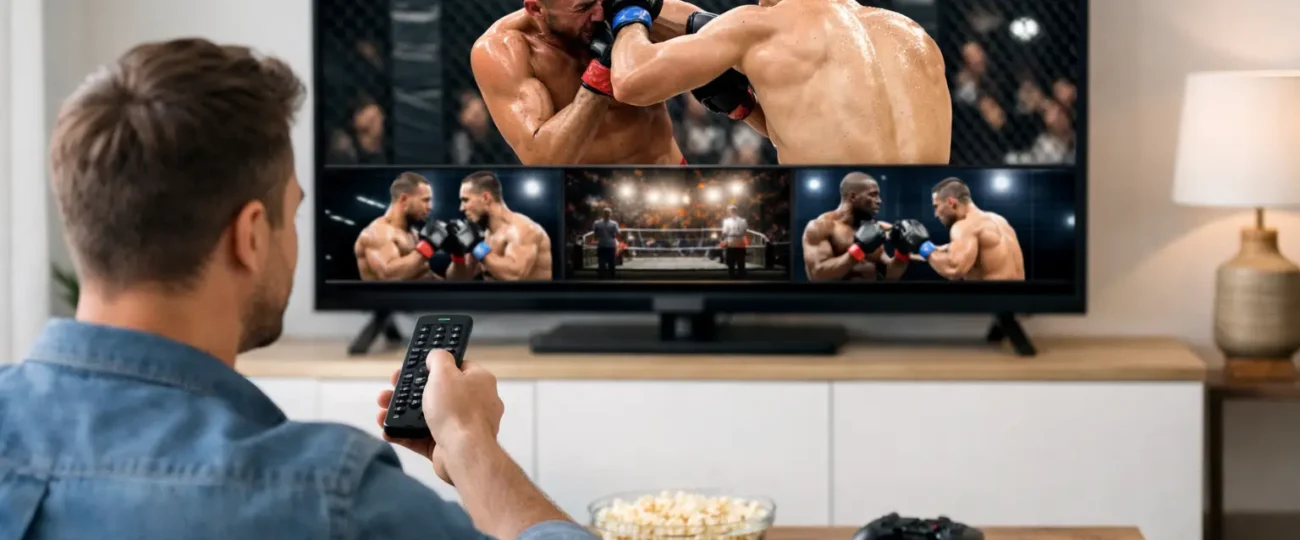
Fight night starts at 8, the main card is stacked, and the last thing anyone wants is a frozen screen, a failed payment, or another overpriced one-off charge. If you are looking up how to stream PPV events, you are probably trying to avoid exactly that – wasted money, messy setup, and poor quality when the big moment arrives.
The good news is that learning how to stream PPV events at home is not complicated when you use the right setup. The better news is that you do not need to keep paying cable-level prices just to watch premium events. What matters most is choosing a service that gives you stable performance, broad device support, and fast help if something goes wrong.
At a basic level, PPV streaming means paying to access a live premium event through an internet-based platform instead of traditional cable or satellite. That event could be boxing PPV, MMA, wrestling, a special sports package, or a one-time live broadcast.
The actual streaming process is simple: you need a solid internet connection, a compatible device, and a service that carries the event reliably.
Where people get stuck is not the idea. It is the execution. They sign up too late, use an under powered device, trust a weak app, or assume every provider delivers the same quality. They do not. A cheap-looking stream that buffers during a title fight is not a bargain.
If you want PPV done right, think in terms of reliability first and price second. The best value is not the lowest sticker price. The best value is getting the event without interruptions, hidden fees, or technical headaches.
When you are figuring out how to stream PPV events, your device plays a bigger role than many people think. If you are streaming on an old stick, an overloaded Smart TV, or a phone with weak Wi-Fi, the experience can fall apart fast. PPV events draw heavy traffic, so your hardware needs to keep up.
For most households, Firestick, Android TV boxes, Smart TVs, smartphones, tablets, and PCs can all work well. The best option depends on how you watch.
If you want a simple living room setup, a Firestick or Android box is often the easiest route. If you like flexibility, a phone or tablet gives you fast access, but the screen size is not ideal for big fights or major matches.

Smart TVs are convenient, but they are not always the fastest. Some built-in apps lag behind dedicated streaming devices. If your TV is older, adding a streaming device can improve performance immediately. Learning how to install IPTV on a Smart TV takes only a few minutes.
A fast package on paper does not always mean a stable stream in real life. PPV needs consistency. If your connection drops every few minutes, you will notice it when the action peaks.
For HD streaming, a stable home connection is usually enough, but the real issue is network quality inside your home. If multiple people are gaming, downloading, or streaming at the same time, your PPV stream can suffer. A quick speed test before the event confirms your line can handle the stream. Wired connections are best when possible.
If you are on Wi-Fi, stay close to the router or use a mesh setup if your signal is weak.
It also helps to test your setup before the event starts. Do not wait until the undercard begins. Open the app early, restart your device, and make sure your login works.
This is where most of the difference is. Anyone can promise channels. Not every service can handle high-demand live traffic. If you are serious about how to stream PPV events without frustration, choose a provider known for uptime, broad access, and responsive support.
A strong IPTV provider can make a major difference because it combines live TV, sports, international content, and PPV access in one place. That means fewer subscriptions, less switching between apps, and a lower total monthly cost than stacking cable with separate sports and movie services.
You also want features that actually matter on event night. Anti-freeze technology, EPG support, compatibility across devices, and real technical help are not marketing extras. They directly affect whether you spend the night watching the event or troubleshooting your screen.
For viewers in Canada and the USA who want strong value, services like RoyalPPV appeal because they focus on exactly what cable no longer does well – more content, better flexibility, and pricing that makes sense for regular households.
When it comes to how to stream PPV events, the easiest setup is usually this: install your preferred IPTV app on a compatible device, enter your service details, test your live channels, and confirm the PPV section is loading properly before the event begins. That is it.
If you are brand new to IPTV, the process may sound technical, but in practice it is usually a simple copy-and-paste setup. Most users do not need advanced knowledge. They just need a service that provides clear instructions and support when needed.

This is one reason free trials matter. A trial lets you test stream quality, channel loading speed, and device compatibility before spending more. That reduces risk and gives you a much better sense of what event night will actually feel like.
The most common issue is buffering, but buffering is often just the final symptom. The cause could be weak internet, device overload, poor app performance, or an unreliable provider. If the service itself is unstable, no amount of router resetting will fix the problem.
Another common problem is last-minute signup. Big events bring traffic spikes. If you wait until minutes before the main event, you leave no time to test the service, install the app, or fix login issues. Give yourself a buffer.
There is also the issue of mismatched expectations. Some users expect every device to perform identically. They do not. A budget tablet on weak Wi-Fi will not perform like a dedicated box connected properly to a strong network. The service matters, but so does the environment around it.
That depends on how often you watch live sports and premium events. If you only watch one event every few months, a one-off purchase may feel simpler. But if you regularly watch combat sports, international channels, live news, movies, and series, the total cost of separate services adds up fast.
That is where IPTV becomes the stronger value play. Instead of paying again and again for isolated access, you get a broader package that covers far more viewing needs in one subscription. For households trying to cut cable bills without losing content, that trade-off makes a lot of sense.
The key is choosing quality over the cheapest possible option. A low-cost plan with poor reliability becomes expensive the moment it ruins the event you actually cared about.
The best approach is simple. Set up early. Use a reliable device. Make sure your internet is stable. Test the app in advance. Choose a provider with real support and a track record of handling live demand.
If you are watching with family or friends, go one step further and prepare a backup device. It does not need to be fancy. Even having the app ready on a phone or second stick can save the night if your main setup acts up.
It is also smart to avoid overloading your network during the event. Pause large downloads, reduce extra streaming in other rooms, and keep the connection focused on the main screen.
If your goal is to save money, do not focus only on the monthly number. Look at total value. Ask what content is included, whether PPV access is part of the package, how many devices are supported, and whether there is a trial or refund window.
A service that gives you thousands of live channels, major sports coverage, movies, series, and PPV access for less than the cost of traditional cable can be a smart buy. A service that looks cheap but leaves you buffering through the main event is not.
The strongest providers make the decision easier by removing risk. Free trials, short refund windows, straightforward setup, and 24/7 support all matter because they answer the real customer question: will this work when I need it most?
Knowing how to stream PPV events the right way should feel exciting, not expensive and frustrating. If you take a few minutes to set things up properly, you can stop chasing one-off purchases and start watching premium events on your terms – with better value, better flexibility, and a lot less stress when the main event finally begins.

Explore the Best IPTV Service with Global Channels – Watch Thousands of Live TV Channels, PPV Events, Movies, & TV Shows Anytime, Anywhere.
© 2011-2026 RoyalPPV, All rights reserved
