


 Written by Royalppv
You can have the best IPTV subscription on the market and still end up frustrated if the app is slow, confusing, or packed with menus that make no sense. That is why an IPTV app review for beginners should focus less on flashy extras and more on what actually affects your night-to-night viewing: setup, speed, channel navigation, EPG support, and stability.
If you are switching from cable, the app is your new cable box. It decides how fast channels open, how easy it is to find live sports, whether your movie library feels organized, and how much patience you need before everything works the way it should. As more households cut the cord and shift toward streaming, choosing the right app is often the difference between “this is cheaper and better than cable” and “why is this so annoying?”
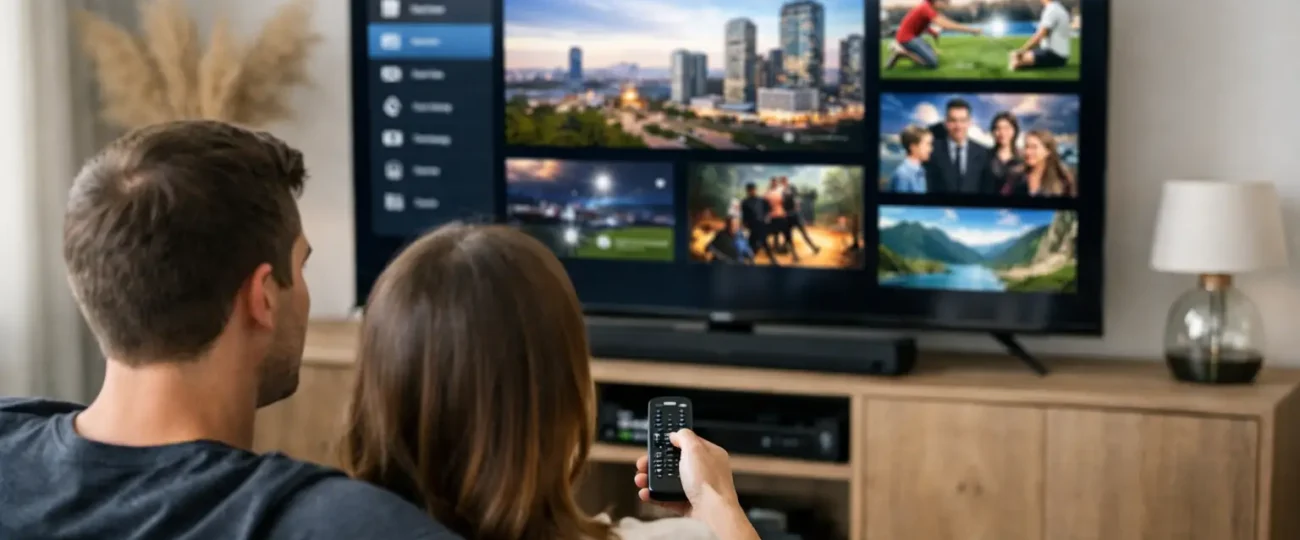
An IPTV app is the software you use to watch your subscription on a Firestick, Smart TV, or Android box, phone, tablet, or PC. The app is not the service itself. That distinction matters.
Many beginners assume a bad viewing experience always means the provider is the problem. Sometimes it is. But sometimes the issue is the app. A weak app can make a solid service feel unreliable. It might freeze more often, load categories poorly, or make channel switching feel clunky even when your internet speed is fine.
Any honest IPTV app review for beginners should confirm an app does three things well from day one. It should be easy to install, simple to understand, and stable enough that you are not troubleshooting every evening. If the app fails on those three basics, the rest of the feature list does not matter much.
The first thing to check is device compatibility. Some apps work better on Firestick, others feel more natural on Android boxes, and some Smart TV versions are stripped down compared with the mobile version. If you already know where you plan to watch most often, choose an app that performs well on that device instead of picking based on reputation alone.
The next factor is login simplicity. Beginners usually do better with apps that support direct playlist or Xtream-style login details in a clean setup screen. If initial setup feels like work, drop-off is common. A good app gets you from install to watching live TV in minutes, not an hour.
Then there is interface quality. This is where many reviews get it wrong. A fancy design is not the same as a useful one. A strong IPTV app should make categories clear, support favourites, show channel logos properly, and keep the EPG readable. If you need too many clicks to get from live TV to sports and your match, the app is working against you.
For most new users, five features matter more than anything else.
EPG support is near the top. Without a proper TV guide, live channels feel messy. You end up guessing what is on, scrolling endlessly, or relying on trial and error. A good EPG turns IPTV into something closer to the cable experience people already know.
Fast channel switching is another big one. This sounds minor until you use an app that takes several seconds every time you move between channels. If you watch sports, news, or live events, that delay gets old fast.
Search and category organization also matter more than people think. With large channel and VOD libraries, poor organization becomes a real problem. If an app cannot help you find what you want quickly, the content volume loses value.
Favourites and recent history are useful because they cut down friction. Beginners do not want to rebuild their viewing habits every time they open the app. The best apps remember how people actually watch.
Finally, stability matters more than customization. Some apps offer endless layout tweaks, player options, and hidden settings. That can be useful for advanced users, but beginners are usually better off with an app that simply works well out of the box.
In any IPTV app review for beginners, it is clear there is no perfect app for everyone. Some apps are clean and beginner-friendly but lighter on customization. Others are powerful but harder to set up and manage.
If you are new to IPTV, simple usually wins. You do not need an app with ten player settings, multiple display modes, and technical playback controls if all you want is live TV, movies, and a decent guide. More options can actually create more confusion.
That said, there is a point where too simple becomes limiting. An app with no proper sorting, poor subtitle handling, or weak VOD support may feel fine on day one but frustrating after a week. The sweet spot is an app that feels easy on the surface while still offering enough control when you need it.
A lot of first-time users assume buffering always means the service is bad. Sometimes it does. But app performance, device limitations, Wi-Fi strength, and even overloaded background apps can all play a role.
For example, an older Firestick with low storage can make a decent app feel sluggish. A poor-quality player inside the app can affect stream handling. A badly built Smart TV app version may perform worse than the same account on an Android box. That is why a fair review should never judge an IPTV app in isolation from the device being used.
This is also where support matters. Beginners benefit from providers that do not just sell access and disappear. If setup help, app guidance, and troubleshooting are available, the whole experience improves. That matters even more for households replacing cable for the first time.
When testing an app, ignore marketing claims for a moment and ask simple questions. How long did setup take? Was the login screen clear? Did the live TV categories load properly? Was the EPG accurate and easy to read? Could you find local channels, sports, and on-demand content without guessing where they were hidden?
Also pay attention to small frustrations. Did the app crash when switching sections? Were channel names clean or messy? Did remote control navigation feel natural on TV devices? These details sound minor, but they shape whether the app feels ready for everyday use.
A strong beginner app should feel predictable. You should not have to learn workarounds just to watch TV. If you are constantly clearing cache, restarting streams, or asking where basic content is located, that app is not a good beginner pick.
If your goal is to cut costs without making life harder, your app choice matters almost as much as the IPTV plan you choose. The right app makes a big IPTV package feel easy to use. The wrong app makes even a strong service feel unreliable.
That is especially true for families. In a shared household, not everyone wants to learn a new system. Parents, partners, and less tech-savvy users need an interface that feels obvious. If one person in the home becomes the full-time tech support for everyone else, the setup is not really beginner-friendly.
This is why many viewers do best with a provider that offers an easy trial, setup support, and a service designed to work well across common devices. A value-driven option like RoyalPPV only makes sense if the app experience matches the promise of affordability, broad content, and reliable performance. Cheap access means less if the app makes every viewing session feel like a workaround.
Do not choose an IPTV app based on screenshots alone. Test it on the device you actually use. Think about how you watch, not just what you watch. If live sports and channel surfing matter most, speed and navigation should top your list. If movies and series matter more, VOD layout and search become more important.
Also, do not confuse more features with better value. Beginners usually need clarity, stability, and easy support more than deep customization. The best app is the one that gets out of your way and lets you watch what you paid for without friction.
The takeaway from this IPTV app review for beginners is simple: a good setup should feel like an upgrade, not a project. If an app makes watching TV simpler, faster, and cheaper than cable, you are on the right track. If it makes you work for every channel, keep looking until it does not.
Explore the Best IPTV Service with Global Channels – Watch Thousands of Live TV Channels, PPV Events, Movies, & TV Shows Anytime, Anywhere.
© 2011-2026 RoyalPPV, All rights reserved
