



 Written by Royalppv
You notice it fastest on a flight, a road trip, or a cottage weekend with weak Wi-Fi – streaming is great until your connection disappears. That is why people keep asking, do any internet tv services offer offline viewing capabilities for downloaded content? The short answer is yes, but not in the way many viewers expect, and definitely not across every type of internet TV service.
If you are trying to replace cable, cut monthly costs, and still watch on your own schedule, offline viewing can matter a lot. But there is a catch. Some services let you download certain on-demand movies and series. Very few let you download live TV. And the rules depend on licensing, device type, app support, and even how long you stay offline.
Yes, some internet TV services do offer offline viewing for downloaded content, but it is usually limited to select video-on-demand titles inside their official apps. That means downloaded viewing is common with some subscription streaming platforms, less common with live TV replacement services, and rare with services built mainly around live channels.
This is where many buyers get frustrated. They see “watch anywhere” and assume it also means “watch without internet.” Those are not the same thing. Watching anywhere usually means across multiple devices. Offline viewing means the service must support local downloads, digital rights management, and app-based playback after the file is saved.
For most households, the real question is not just whether offline downloads exist. It is whether the exact content you want – sports, PPV, local channels, news, movies, kids’ shows, or international programming – can actually be downloaded and watched later.
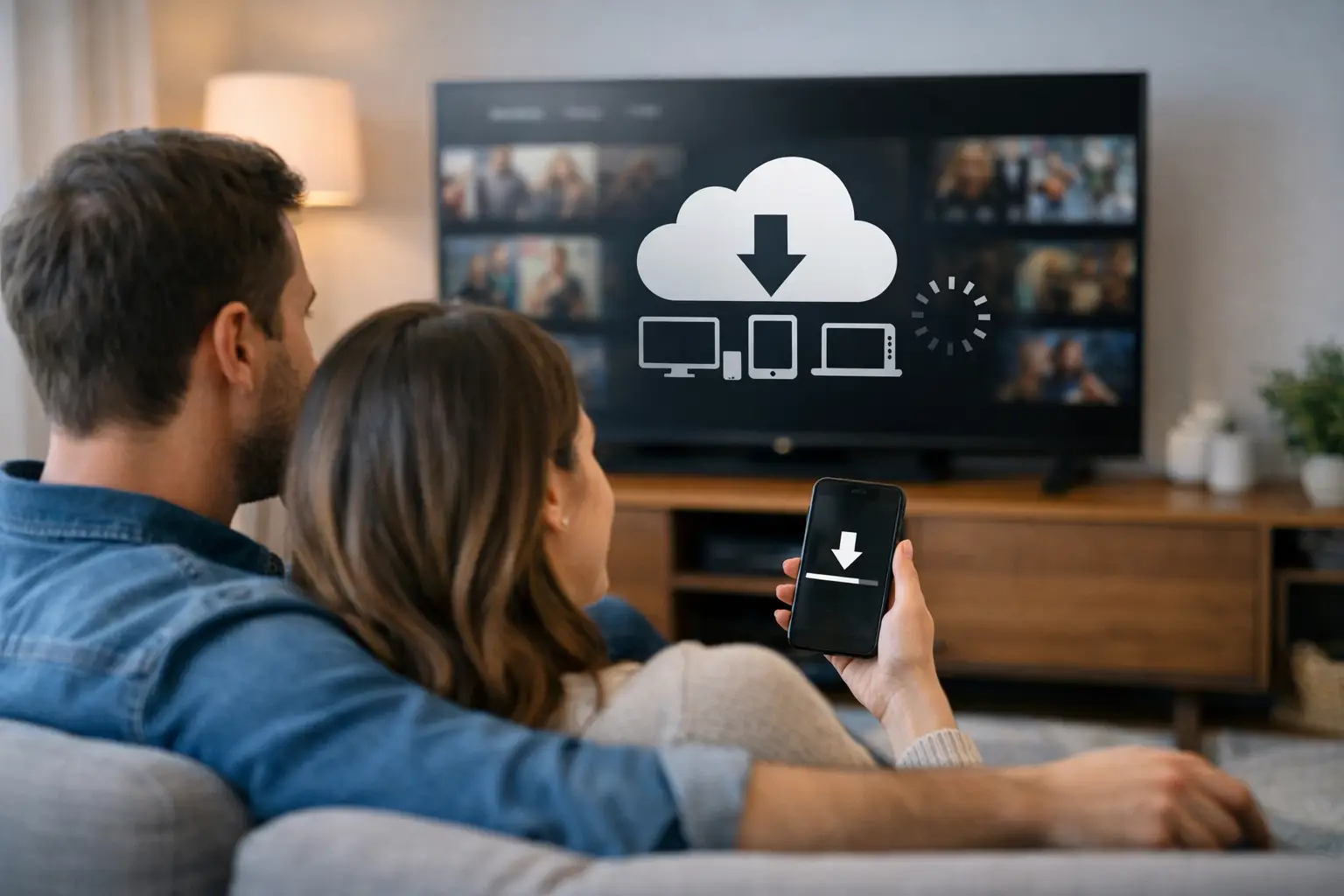
Offline viewing sounds simple, but the business side is messy. Streaming providers do not always own the shows or movies they carry. They license them. Those agreements often separate streaming rights from download rights. A service may have permission to stream a title in Canada but not let users store it for offline playback.
That is why two titles inside the same app can behave differently. One may show a download button. Another may not. It is not always a technical issue. Often, it is a rights issue.
There is also the platform problem. A provider may support downloads on iPhone, iPad, or Android phones, but not on smart TVs, Firestick devices, web browsers, or desktop apps. So even if offline viewing is available, it may only work on mobile and tablet devices.
Then there are time limits. Some downloaded titles expire after 7, 14, or 30 days if you do not start them. Others expire 24 or 48 hours after you press play. In many cases, your app also needs to reconnect to the internet from time to time to verify your subscription.

If your goal is offline playback, on-demand streaming services are your best bet. Services focused on movies and series are more likely to offer download features because their apps and licensing structures are built for that use case.
Live TV services are different. Their value is real-time access to channels, sports, news, and events. Because of that, they usually focus on streaming reliability, cloud DVR, and device compatibility rather than full offline downloads. Cloud DVR can help you watch later, but it still usually requires an internet connection.
IPTV-style services sit in another category. They are designed to give you broad access to live channels, global content, sports, and VOD in one package. That is a huge value advantage for people who want more content for less money, but offline downloading is not always the centrepiece. In this space, the bigger selling points are channel volume, anti-freeze performance, easy setup, and all-in-one access across devices.
So if offline viewing is your top priority, you should always verify whether the specific app and device support downloads before you subscribe.
In practical terms, downloaded content is most often limited to movies, series episodes, and some kids’ programming. That makes sense. These titles are fixed assets that can be packaged for app-based offline playback.
Live channels, 24/7 news streams, sports broadcasts, and PPV events usually do not work the same way. Even if a service includes recording or catch-up features, that does not automatically mean true offline downloading. Many people confuse cloud DVR with downloads stored on the device. They are not the same.
Cloud DVR means the content is saved on the provider’s servers and streamed back to you later. Offline downloads mean the content is stored temporarily on your supported device so you can watch without an active connection.
That difference matters if you commute, travel frequently, or spend time in areas with unreliable service. If your internet drops, cloud DVR may still be unavailable. A proper download should keep playing.
When it comes to offline viewing, this is where it depends on what kind of viewer you are.
If you mostly watch series and movies while travelling, download support may be a must-have. If you care more about replacing cable with one lower-cost package that includes live TV, sports, PPV, international channels, and VOD, then offline downloads may matter less than reliability and content range.
A lot of households in Canada and the USA end up choosing based on the bigger pain point. Some are tired of paying high cable bills. Others are tired of juggling five separate apps. In that situation, many users are willing to give up some offline convenience in exchange for broader access and better value.
That is also why many smart buyers stop looking for a perfect service and start looking for the right fit. The best option for a frequent flyer is not always the best option for a sports-heavy family. The best option for someone who needs multilingual channels may not be the one with the strongest download library.
Do not assume offline viewing works everywhere. Check the details before you pay.
First, look inside the official app description and support pages for the word “download,” not just “save” or “record.” Those terms get mixed up too often. Second, confirm which devices are supported. A service may allow downloads on mobile only, which is fine for travel but useless if you expected offline viewing on your TV.
Third, check title restrictions. Some services allow a handful of downloads per account, per device, or per month. Others cap the number of titles stored at once. Some titles are downloadable in the US but not in Canada because of rights differences.
Finally, check expiry rules. A download that disappears after 48 hours may still be useful, but it is very different from a title you can keep for a month.
For some people, yes. For most people, not necessarily.
If your priority is watching while disconnected, offline support deserves serious attention. But if your priority is replacing expensive cable with a service that gives you far more channels, VOD, sports, and PPV at a lower monthly price, then streaming quality, uptime, and content breadth usually matter more.
That is especially true for viewers who spend most of their time at home on Wi-Fi. In those cases, zero-buffering performance and easy access across Firestick, smart TVs, Android boxes, phones, tablets, and PCs often deliver more day-to-day value than a download button.
A service like RoyalPPV is built around that reality – more content, lower cost, broad device support, and strong reliability for live and on-demand viewing. If your main goal is all-in-one entertainment without the cable bill shock, that matters more than offline playback for many households.
If you need downloaded viewing, treat it as a feature to verify, not a promise to assume. Ask four direct questions: can I download, what can I download, which device can I use, and how long does it stay available?
That quick check will save you from the usual disappointment. Plenty of internet TV services stream well. Fewer support real offline playback. And even when they do, the feature is usually limited to selected on-demand content, not the full service.
So yes, some internet TV services offer offline viewing capabilities for downloaded content. Just do not expect it to cover everything. The better move is to decide what matters most to your household – travel-friendly downloads, or bigger entertainment value at home – and choose the service that wins where you actually watch.
If offline viewing is important to you, build your test around it: download a movie and an episode, switch your device to airplane mode, and confirm both play cleanly with no connection. Note how long each download stays available and whether the same feature works on the screen you travel with most. Treating offline viewing as something to verify rather than assume is the surest way to avoid a disappointing surprise on your next trip.

Explore the Best IPTV Service with Global Channels – Watch Thousands of Live TV Channels, PPV Events, Movies, & TV Shows Anytime, Anywhere.
© 2011-2026 RoyalPPV, All rights reserved
